Tap, scan or type.
On a good card, a contact can reach another phone in three ways. Each covers what the others can't, and all three end in the same place.
An ordinary business card has a problem we all know. You take it, put it in your pocket and forget it. A month later, when you need the plumber or the taxi driver you met, the card is somewhere in a jacket and the number isn't in your phone. The card I make has one aim: to move the contact from your hand into the address book as quickly as possible.
Three routes to the same place.
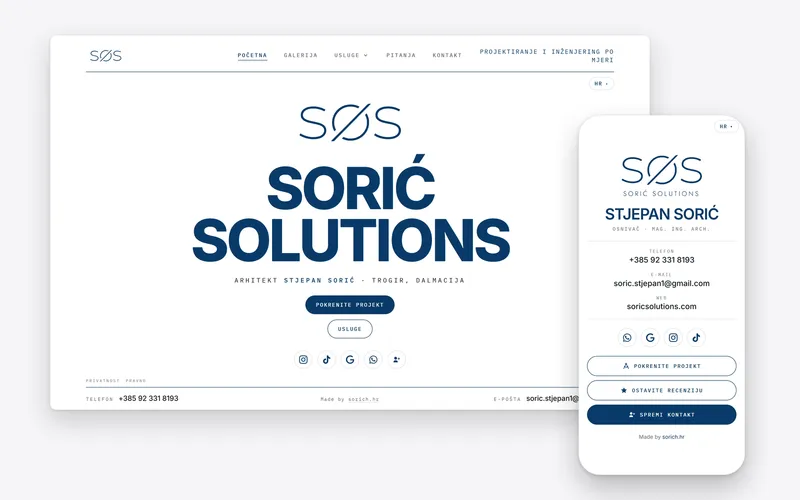
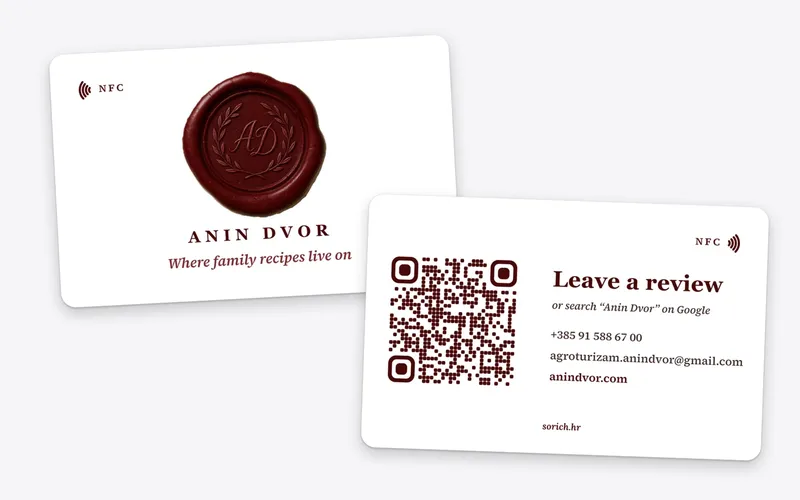
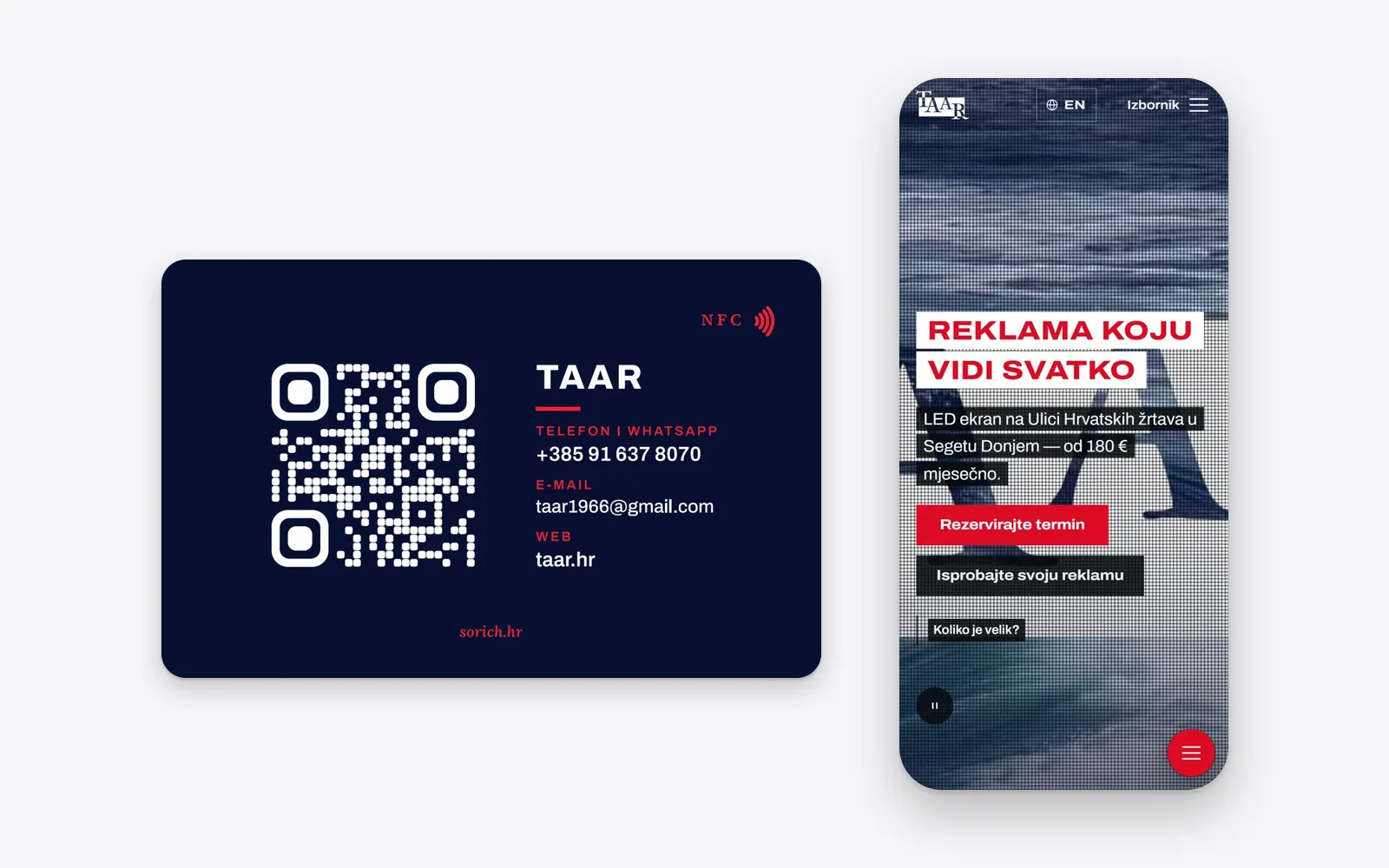
A card carries three things that lead to the same place, your digital profile: a chip to tap, a QR code for the camera and an address printed in letters. It doesn't matter which route someone takes. In the end everyone sees the same page, with your name, your number and a button that saves the contact.
Tap.
The fastest route. The other person holds their phone to the card, the chip hands it a link and the profile opens, with no app and no typing. It works on recent iPhones and on Android phones with NFC switched on. I explain exactly how in how an NFC card works.
A tap has a human advantage too. The card doesn't even have to leave your hand: you hold it out, the other person touches it with their phone, and it goes back in your wallet. One card serves everyone you meet.
Scan.
If a phone doesn't read NFC, or has it switched off, the camera does the job. Point it at the QR code, the camera recognises it and offers the link. A QR code also has one advantage over the chip: it works from a distance. It can be scanned from across the table, from a photo of the card someone sent you, or through a shop window.
So the QR code on a card isn't decoration, it is a second way in. For the camera to catch it even in the dim light of a konoba, the code needs enough empty space around it and clear contrast. I watch for that when I lay out the design.
Type.
The third route is the oldest: an address printed in letters, short and readable, for example sorich.hr/c/sorich/ante-soric/. It works when nothing else does. When the phone has no NFC and the camera won't catch the code. When the address has to be read out over the phone. When someone wants to open it on a computer.
A printed address also does something quiet but important. People see where they are going before they touch anything. A QR code on its own doesn't show that, so the printed address beside it builds trust.
Why all three.
Each route has a weak spot. The chip needs a phone with NFC switched on. The QR code needs a camera, light and a little patience. The address has to be typed without a mistake. With all three on the same card, the weak spot of one route doesn't matter, because another one covers it. Nobody goes without your number just because their phone is old or it's dark outside.
Then the contact goes into the address book.
All three routes end on the profile, and on the profile is a button that saves the contact. One tap and the phone opens a new contact with your name, your number and the other details from the card already filled in. The other person only confirms. Nothing is copied by hand, and nothing can be typed wrong.
Once the contact is saved, a few small but important things change:
- When you call, your name appears on their screen, not an unknown number.
- When they need you, they find you in their contacts, without scrolling through old messages.
- On WhatsApp they see you under your name, not as a bare number.
People search their contacts by a person's name, so I save the contact under your first and last name, with the name of your business alongside. That way you are also found by people who remember you rather than your business name.
Three routes, one address.
When all three routes lead to one address, the card stays correct even when something changes. A new number, a new service or new opening hours I change on the profile, and the card still leads to the right place. The same logic applies to cards that open reviews or a guest guide instead of a contact: the tap and the code lead to the same destination.
Nobody has to remember the profile. Once someone opens it, they can save it to their phone's home screen, with your icon, and open it like an app.
What I can make of this for you.
For a card with a chip, a QR code and a printed address, send an enquiry. The build of the basic digital profile that all three routes open is included with the card.